
Diesel is RM6.02. Unsubsidised RON95 is RM3.87. Your BUDI95 quota just got cut to 200 litres per month.
PM Anwar has told government agencies, statutory bodies, and GLCs to implement WFH from April 15. He has urged private companies to do the same. MEF recommends remote work for non-critical roles.
The message is clear: if your people can work from home, let them work from home.
For travel agencies, this is not a sacrifice. It is an upgrade. Your consultants already do most of their work on WhatsApp and a laptop. The only thing keeping them in the office is habit and a system that lives on a desktop computer.
Fix the system. Free the team. Save on minyak.

This is Part 2 of our Cost-Cutting and Efficiency Series. In Part 1, we covered how to cut costs during the fuel crisis. Now we cover how remote work makes that possible.
Why Travel Agencies Think They Need an Office
Most agency owners believe their team must be in the office because:
- “I need to see my staff working”
- “Customers come to our office”
- “We need to access files and documents”
- “Team coordination requires face-to-face”
Let us examine each one.
“I need to see my staff working”
What you actually need is to see results. How many leads did they respond to? How many quotations sent? How many bookings closed? How fast did they reply to customers?
A dashboard showing real-time team activity tells you more than watching someone sit at a desk. You can see who responded to 15 leads today and who responded to 3. You can see average response times. You can see conversion rates.
Presence is not productivity. Data is.
“Customers come to our office”
How many walk-in customers did you get last month? For most agencies, the answer is fewer than 5. The rest came through WhatsApp, Facebook, Instagram, or referrals.
Malaysian travel customers in 2026 do not visit offices. They WhatsApp you at 11 PM, browse your packages on their phone during lunch break, and pay via payment link while waiting for their Grab.
You still need a registered MOTAC office. But it does not need to be a large, expensive space with 5 desks.
“We need to access files and documents”
If your files live on a desktop computer in the office, yes, you need to be there. If your bookings, invoices, customer data, and documents live in the cloud, you access them from anywhere.
Cloud means: phone, iPad, laptop, desktop. Any device with a browser. Same data, same access, same capabilities.
“Team coordination requires face-to-face”
Your team already coordinates via WhatsApp group. The question is whether they have shared access to the same booking data, the same customer records, the same pipeline.
If everyone sees the same dashboard, coordination happens naturally. “I see you quoted the Bali customer. I will follow up on the Japan lead.” No meeting required.
The Petrol Savings Are Real
Let us do the math for a typical KL-based agency with 4 staff:
| Staff Member | Commute | Daily KM | Monthly Petrol (L) | BUDI95 Cost | Tolls | Parking | Total Monthly |
|---|---|---|---|---|---|---|---|
| Sarah (Klang) | 35km × 2 | 70km | 140L | RM279 | RM264 | RM200 | RM743 |
| Ahmad (Kajang) | 28km × 2 | 56km | 112L | RM223 | RM176 | RM200 | RM599 |
| Nadia (Shah Alam) | 25km × 2 | 50km | 100L | RM199 | RM132 | RM200 | RM531 |
| Hafiz (Rawang) | 40km × 2 | 80km | 160L | RM318 | RM220 | RM200 | RM738 |
Total team commute cost: RM2,611 per month. That is RM31,332 per year spent just getting to and from the office.
With WFH 4 days a week, that drops to RM522 per month. Annual savings: RM25,068.
And that is with BUDI95 subsidised pricing. Staff who exceed the 200-litre quota pay RM3.87 per litre for the excess. Hafiz with his 160L monthly usage is fine. But if he drives for personal errands too, he hits the cap fast. WFH keeps his consumption well within the BUDI95 quota.
Your staff save money. They save time. They arrive at work (their sofa) without spending an hour in traffic on the LDP or NKVE. They start the day fresh instead of frustrated.
What Remote Work Looks Like for a Travel Agency
The Morning Routine
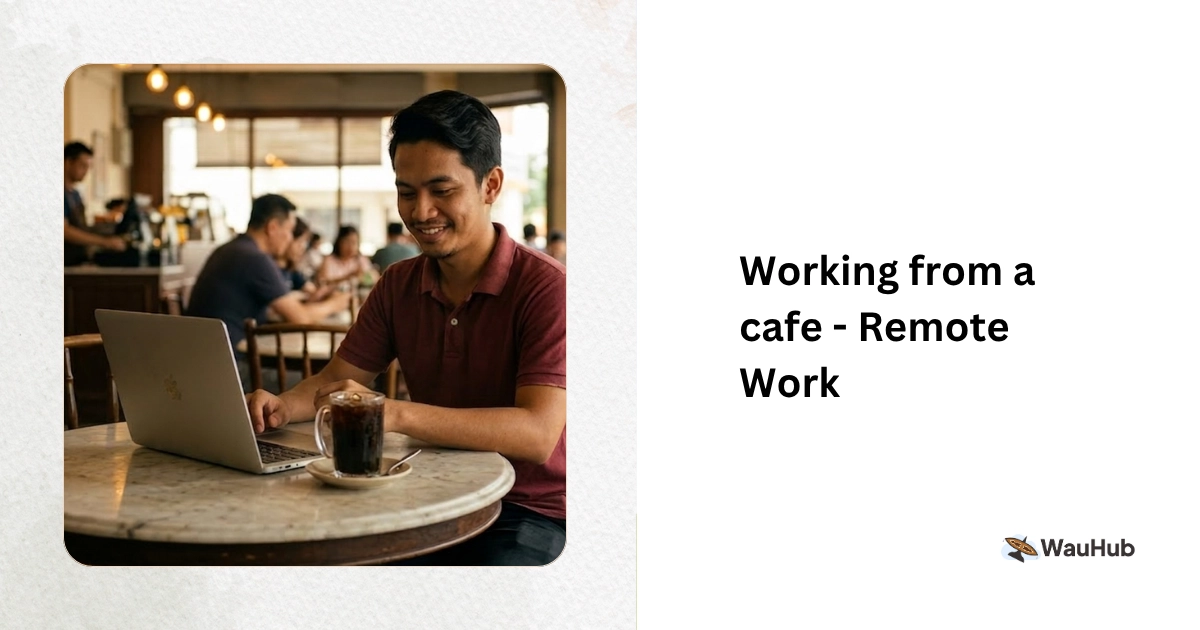
8:30 AM — Encik Hafiz (Team Lead) opens his laptop at home
Dashboard shows:
- 12 new leads overnight (auto-assigned to team members)
- 3 payments received while everyone slept
- 2 follow-ups overdue from yesterday
- Today’s departures: 1 group (all documents confirmed)
He sends a quick message to the team WhatsApp group: “Morning. 12 new leads assigned. Sarah, you have 2 overdue follow-ups. Please clear by 11 AM.”
9:00 AM — Sarah opens the system on her iPad at home
She sees her 5 assigned leads. Opens each one, reviews the enquiry details, sends personalised responses with package links. Two overdue follow-ups from yesterday — she calls both customers. One confirms booking. She generates the invoice and sends the payment link. Done by 10:30 AM.
No petrol burned. No toll paid. No parking fee. No hour wasted on the Federal Highway.
10:00 AM — Ahmad checks his phone between errands
He has 4 leads assigned. Two are group enquiries that need custom quotations. He will handle those when he sits down with his laptop after lunch. The other two are standard packages. He sends the product links from his phone. Two minutes each.
2:00 PM — Puan Nadia logs in from home after picking up her kids from school
She handles afternoon leads and follows up on morning quotations. A customer wants to modify their Japan itinerary. She pulls up the booking, adjusts the dates, regenerates the quotation, and sends it. The customer confirms within an hour.
The Result
Four team members. Zero office time. 12 leads handled. 3 bookings closed. All invoices generated. All e-Invoices submitted. All from different locations on different devices. Zero litres of petrol consumed for work.
Phone, iPad, or Laptop: What Works Best
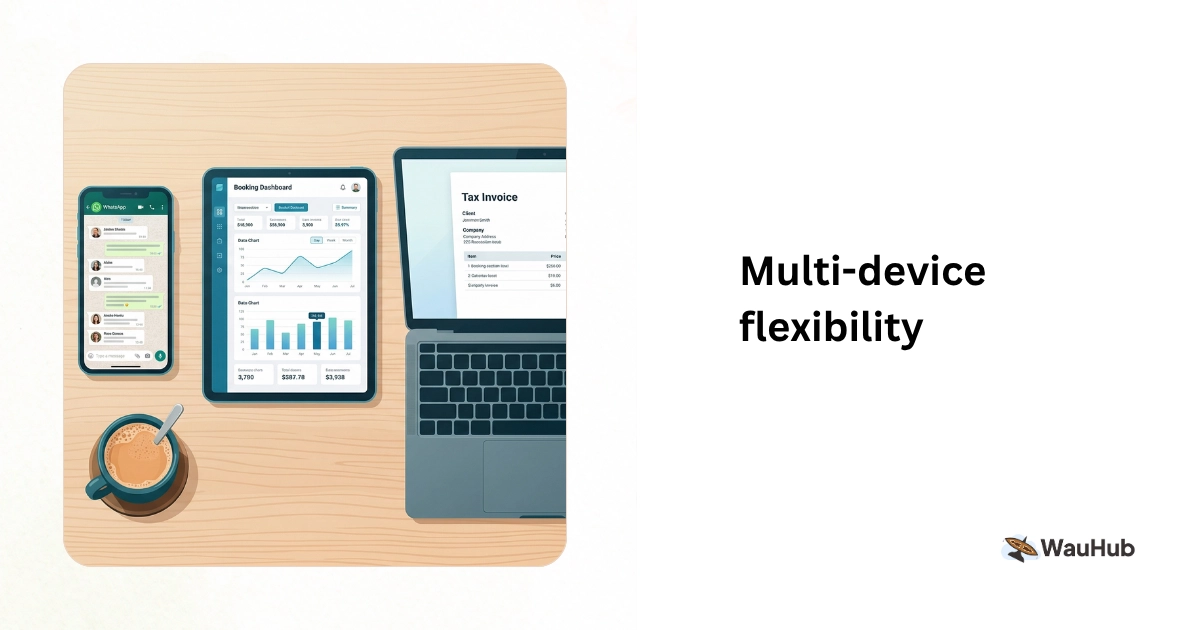
Not every task works equally well on every device. Here is a practical guide:
| Task | Phone | iPad | Laptop |
|---|---|---|---|
| Respond to new leads | ✅ Quick replies | ✅ Good | ✅ Good |
| Send package links | ✅ Best (copy-paste to WhatsApp) | ✅ Good | ✅ Good |
| Create custom quotations | ⚠️ Possible but slow | ✅ Good | ✅ Best |
| Review dashboard and reports | ⚠️ Small screen | ✅ Good | ✅ Best |
| Process payments and invoices | ✅ Quick actions | ✅ Good | ✅ Good |
| Manage bookings and details | ⚠️ For quick edits | ✅ Good | ✅ Best |
| Customer communication | ✅ Best (WhatsApp native) | ✅ Good | ✅ Good |
Most consultants use their phone most of the time and laptop for the rest. The phone handles the speed-sensitive tasks (responding to leads, sending links, checking notifications). The laptop handles the detail-heavy tasks (building custom itineraries, reviewing reports).
The key: your system must work on all three devices without installing anything. Open browser, log in, work. That is it.
The Trust Problem (And How to Solve It)
The biggest barrier to remote work is not technology. It is trust.
“How do I know my staff are actually working and not just staying home to save petrol?”
Here is how you know:
Activity Metrics
Your system tracks:
- Leads responded to (and response time)
- Quotations sent
- Bookings created
- Invoices generated
- Follow-ups completed
If Sarah responded to 8 leads with an average response time of 14 minutes, sent 5 quotations, and closed 2 bookings today, she was working. You do not need to see her at a desk to know that.
Pipeline Visibility
You see every lead in the pipeline. Who owns it. What stage it is at. When the last activity was. If a lead sits untouched for 24 hours, you know immediately.
Daily Check-Ins
A 10-minute morning check-in via WhatsApp group or video call:
- What are you working on today?
- Any blockers?
- Any leads that need help?
Short, focused, effective. No hour-long meetings. No petrol burned driving to the office for a meeting that could have been a message.
Results Over Hours
Shift your mindset from “hours worked” to “results delivered.” A consultant who closes 3 bookings in 4 hours from home is more valuable than one who sits in the office for 8 hours and closes 1.
Full Cost Savings From Remote Work
The financial impact goes beyond petrol:
| Expense | Office-Based | Remote/Hybrid |
|---|---|---|
| Office rent | RM5,000/month | RM1,500/month (small space) |
| Utilities (electricity up with fuel costs) | RM1,000/month | RM250/month |
| Office equipment | RM500/month (amortised) | RM100/month |
| Staff commute (team total) | RM2,611/month | RM522/month |
| Parking | RM800/month | RM0 |
| Office supplies | RM300/month | RM50/month |
| Total | RM10,211/month | RM2,422/month |
Annual savings: RM93,468. Nearly RM100K per year. For a small travel agency, that is the difference between profit and loss during a tough year.
And your staff save personally too. Sarah saves RM743 per month. That is RM8,916 per year she keeps in her pocket instead of giving to Shell and PLUS. Happy staff stay longer. Lower turnover means lower hiring and training costs.
Setting Up Remote Work for Your Agency
Step 1: Move Everything to the Cloud
If your data lives on a desktop computer or local Excel files, remote work is impossible. Move to a cloud-based system where all bookings, invoices, customer data, and documents are accessible from any device.
This is the non-negotiable foundation. Without it, nothing else works.
Step 2: Define Clear Processes
Remote teams need clear processes more than office teams. Document:
- How leads are assigned and who handles what
- Response time expectations (under 1 hour during working hours)
- How quotations are created and approved
- How payments are processed
- How team members communicate (WhatsApp group for quick updates, weekly video call for planning)
Step 3: Set Up Communication Channels
- WhatsApp group for daily team communication
- Weekly video call (30 minutes) for planning and review
- System notifications for lead assignments and payment alerts
Keep it simple. Too many communication channels create confusion.
Step 4: Track the Right Metrics
Do not track hours. Track:
- Leads responded to per day
- Average response time
- Quotations sent per week
- Conversion rate (leads to bookings)
- Revenue closed per consultant
These numbers tell you everything about performance.
Step 5: Start Hybrid, Then Adjust
Do not go fully remote overnight. Start with 3 days remote, 2 days office. See how it works. Adjust based on results.
Most agencies find that after a month of hybrid work, the office days become unnecessary for most tasks. The team naturally shifts to more remote days because they are more productive at home. And with diesel at RM6.02, nobody wants to drive in if they do not have to.
When Remote Work Does Not Work
Be honest about the limitations:
- New staff training: The first 2 weeks of a new hire should be in-person. They need to shadow experienced consultants and learn the culture.
- Complex group bookings: A 50-pax corporate incentive trip with custom requirements benefits from a face-to-face planning session.
- Team bonding: Monthly in-person meetups keep the team connected. Lunch together, celebrate wins, discuss challenges. Pick a day when everyone comes in.
- Customer meetings: Some high-value customers prefer face-to-face. Keep a small meeting space for these occasions.
Remote work is not all-or-nothing. It is about doing the right tasks in the right place. And right now, with minyak at record prices, the right place for most tasks is home.
Coming Up in This Series
- Part 1: Diesel RM6.02, Minyak Naik: How Travel Agencies Can Cut Costs
- Part 3: Running a Travel Agency on Odd Hours: Night Shifts, Weekend Teams, and Flexible Schedules
- Part 4: The RM500 vs RM5,000 Agency: Why Efficient Agencies Earn More Profit Per Booking
Ready to enable remote work for your travel agency?
WauHub runs on phone, iPad, and laptop. Your team can manage leads, create bookings, send invoices, and collect payments from anywhere. No installation. No VPN. Just open the browser and work.
Your staff save on petrol. You save on office costs. Everyone wins.
We will show you how your team can operate from home without missing a single lead or booking.